
Define the operating boundary
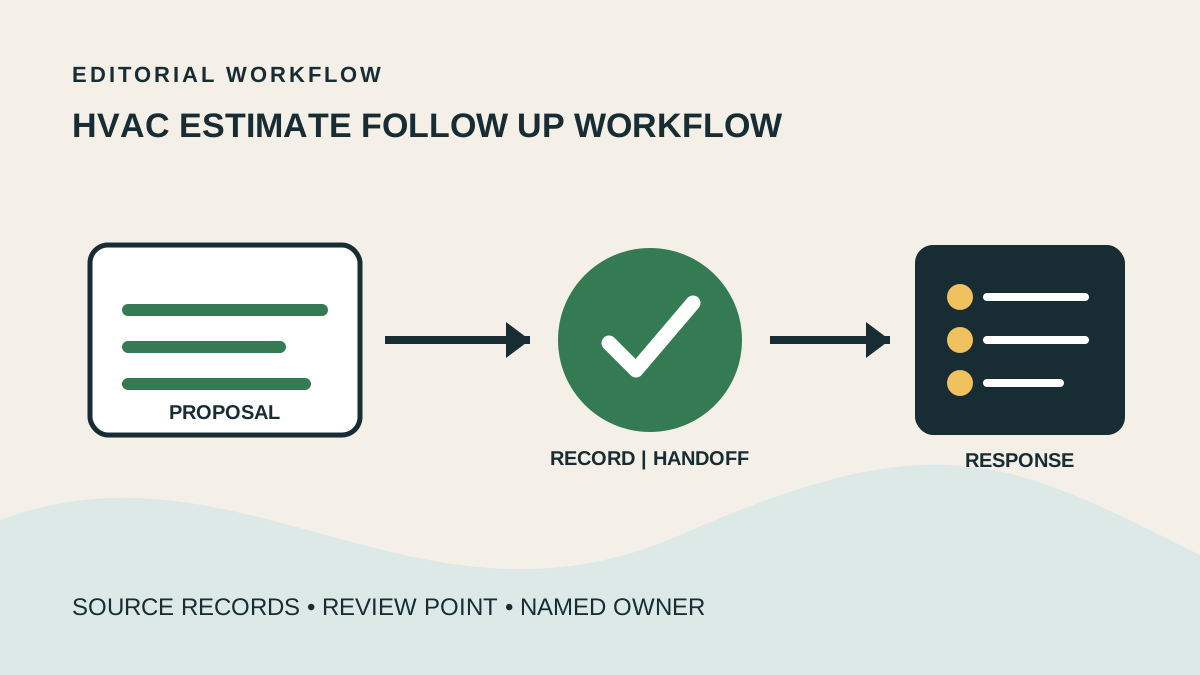
Estimate follow up should use only the current approved proposal and its documented contact sequence. The coordinator records the customer response and next action while price, scope, equipment, financing, and technical questions return to the estimate owner.
This lane is for sales or service teams that already issue approved estimates but lack a consistent record of customer response and next action.
It works when each proposal has an owner, validity details, approved follow-up wording, and a clear route for pricing and technical questions.
Use the real source records
Provide read access to the approved estimate, issue date, validity or expiry note, customer preferences, assigned estimator, financing handoff if applicable, and approved contact sequence.
Only the current proposal version and company-approved explanation templates should enter the estimate queue; drafts and superseded options stay excluded.
Run the workflow in order
Verify that the estimate is approved, assigned, and within its documented follow-up period before contacting the customer.
Review prior estimate contacts so the next message follows the approved cadence and channel preference.
Send the approved follow-up, record the customer's words and level of interest without reframing technical or price details.
Route requests for revised scope, equipment comparison, discount, financing advice, or technical explanation to the estimate owner.
Record the proposal's next action, due date, owner, and source communication.
Make the handoff reviewable
An estimate pipeline with current proposal version, last contact, verbatim response summary, next action, due date, and sales owner.
A review queue separating ready-to-schedule responses from requested revisions, technical questions, price objections, and no-contact estimates.
Confirm the estimate identifier and approved version before every contact, and never copy price or scope from an earlier proposal.
Check that each estimate response is tied to its source message and that requested changes remain open until the authorized estimator resolves them.
Route exceptions without guessing
Pause estimate follow-up when validity has expired, scope appears changed, customer identity is uncertain, or the customer disputes what was proposed.
Route discount requests, competitor comparisons, financing questions, equipment substitutions, load or sizing questions, and readiness-to-buy responses to the named estimate owner.
Keep accountable decisions with the owner
The support role may coordinate an approved estimate and document interest; it may not alter scope or price, recommend equipment, promise savings, negotiate, or provide technical advice.
Proposal approval, system design, code and permit interpretation, financing guidance, discounts, and final sales commitments remain with qualified authorized staff.
Choose a controlled starting queue
Start with approved residential estimates issued during one recent week, excluding proposals awaiting technical revision or management approval.
Another useful start is an aging estimate queue where the estimator first marks the valid version and assigns a specific response path.
Common questions
What should stay with the accountable owner? Judgment, approval, licensed work, sensitive exceptions, and policy decisions should stay with the qualified owner.
What is the safest place to begin? Begin with one repeatable workflow that has a known source, clear output, and an available reviewer.
How should quality be reviewed? Review a focused sample against a short acceptance checklist, then update the process when patterns appear.
Plan the next handoff
Choose one recurring queue with a known owner. Define its inputs, completion evidence, review point, and escalation triggers before adding volume.
A consultation can turn that first workflow into a role brief your team can inspect and improve.
Map the next controlled handoff
Bring one recurring workflow, its source records, and the person who owns exceptions.
Plan a free consultation